

















Play Paper Minecraft Online
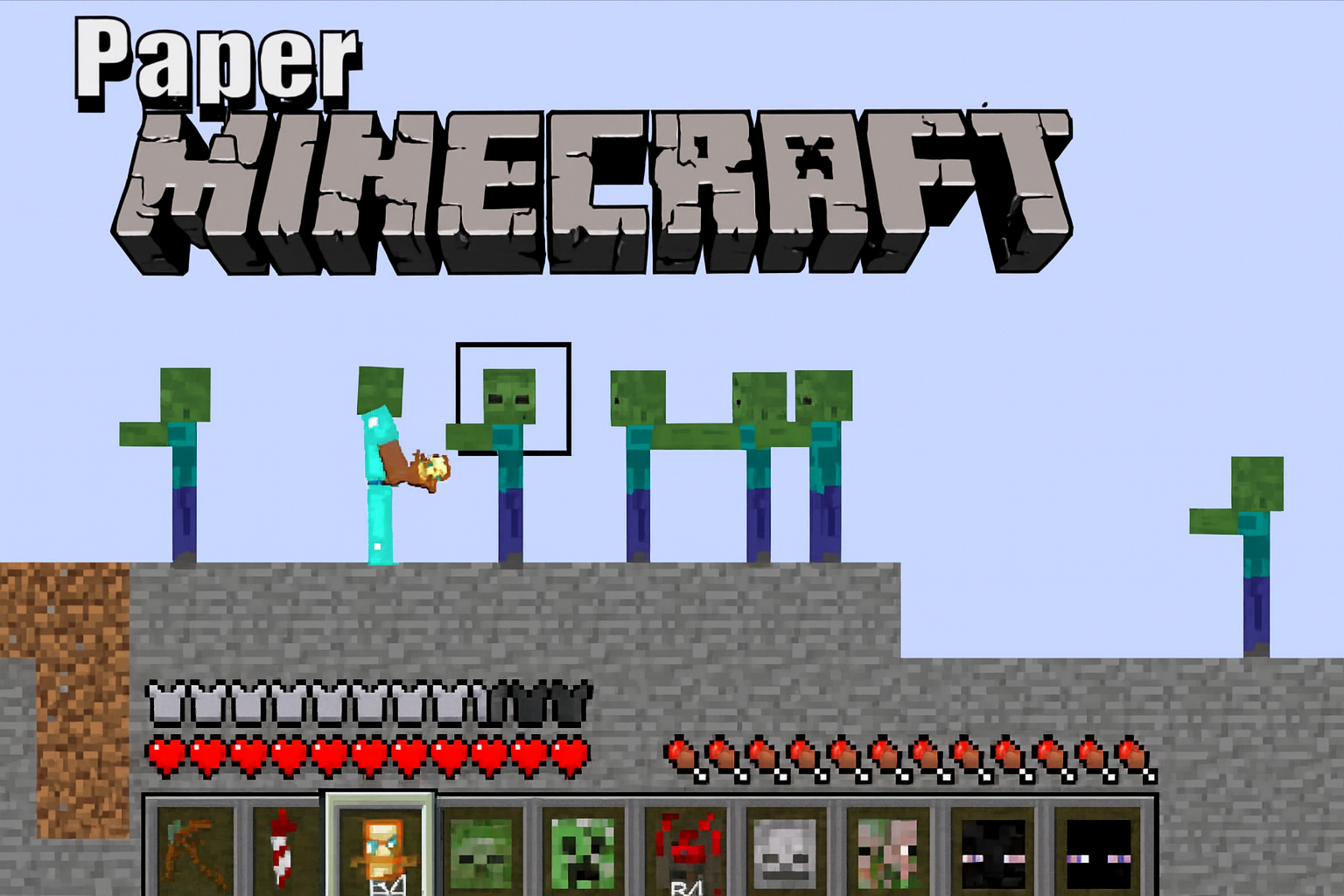
Paper Minecraft is a fun and creative casual game that lets you explore a blocky, 2D world filled with adventure and building opportunities. It offers a unique twist on popular sandbox games by presenting the environment in a paper-like style, making it easy to enjoy on any computer or device. The best part? You can play Paper Minecraft online directly in your browser with no download required, so you can jump into the action quickly and easily.
About Paper Minecraft
Paper Minecraft is a casual browser game inspired by classic block-building and exploration games. In this game, you navigate a flat, paper-style world where you can gather resources, build structures, craft tools, and survive against various challenges. The game combines simple graphics with engaging gameplay to provide a relaxing yet entertaining experience suitable for players of all ages. Since it runs in a browser, it’s perfect for casual gamers who want a quick and accessible way to enjoy sandbox fun.
How to Play Paper Minecraft
Getting started with Paper Minecraft is easy. Your main goal is to explore the world, collect materials like wood and stone, and use them to craft useful items and build your own creations. Along the way, you may encounter animals and other creatures, so be prepared to gather food and protect yourself. To start playing, simply open the game in your browser, choose a new world or load a saved one, and begin exploring. The game encourages creativity and survival, so you can play at your own pace and enjoy the adventure.
Simple Fun and Creativity in a Paper World
One of the most charming aspects of Paper Minecraft is its easygoing, paper-crafted style that makes the game feel light and playful. The 2D paper look adds a fresh twist to the sandbox genre, making it accessible to younger players and those who prefer a less complex environment. Whether you want to quickly build a small shelter, explore the map, or test your survival skills, Paper Minecraft offers simple fun without overwhelming you with complicated mechanics. It’s perfect for short gaming sessions whenever you need a break.
Paper Minecraft Controls
The controls for Paper Minecraft are designed to be straightforward and user-friendly. Depending on your device, you may use the keyboard, mouse, or touch controls to move around and interact with the game world.
- Arrow keys or WASD to move your character
- Mouse click or touch to interact with objects and build
- Number keys or mouse wheel to switch items in your hotbar
- Spacebar to jump
- Inventory key (usually 'E') to manage your items
Tips and Tricks for Paper Minecraft
- Start by collecting wood from trees to craft basic tools.
- Build a shelter before nightfall to stay safe from creatures.
- Explore caves carefully to find valuable resources like stone and coal.
- Keep an eye on your health and hunger levels to survive longer.
- Experiment with different crafting recipes to create better tools and weapons.
- Save your progress regularly if the game supports it, so you don’t lose your creations.
Why Play Paper Minecraft on FreeGeometryDash.com?
Playing Paper Minecraft on FreeGeometryDash.com is a convenient way to enjoy this engaging game without any hassle. You can easily access the game in your browser with no download needed, meaning you can start playing immediately. The website also offers a variety of other casual games to explore, making it a great place to find new favorites. Whether you have a few minutes or a longer break, FreeGeometryDash.com makes casual gaming simple and fun.
Similar Games You May Like
If you enjoy Paper Minecraft, you might also like these other popular casual and sandbox-style browser games available on FreeGeometryDash.com:
Frequently Asked Questions About Paper Minecraft
Is Paper Minecraft free to play?
Yes, Paper Minecraft is completely free to play online through your browser, so you can enjoy it without any cost.
Can I play Paper Minecraft online?
Absolutely! Paper Minecraft is designed to be played online in a browser, making it accessible on many devices without extra installations.
Do I need to download Paper Minecraft?
No download is necessary to play Paper Minecraft. You can start playing instantly online without installing anything.
What are the controls for Paper Minecraft?
The game typically uses keyboard and mouse controls, including arrow keys or WASD for movement, mouse clicks for interacting, and number keys to switch items.
Can I build and explore freely in Paper Minecraft?
Yes, Paper Minecraft encourages creativity and exploration, allowing you to build structures, gather resources, and explore the world at your own pace.
Comments
No comments yet. Be the first to comment.