














































Play Wordle Online
Wordle is a fun and engaging word puzzle game that you can easily play online. It offers a fresh and exciting challenge for players who enjoy testing their vocabulary and problem-solving skills. Whether you're a kid looking for a quick brain teaser or a casual player wanting a simple game to pass the time, Wordle provides an enjoyable experience right in your browser. Best of all, you can play Wordle online with no download required, making it super convenient to jump into the fun anytime at FreeGeometryDash.com.
About Wordle
Wordle is a casual word game where the main goal is to guess a hidden five-letter word within a limited number of tries. The game challenges your ability to think logically and recognize word patterns. After each guess, the game gives you feedback by highlighting letters to show which ones are correct and in the right position or just part of the word. This feedback helps you narrow down your guesses until you find the correct word. Wordle is perfect for players who enjoy puzzles that are easy to understand but offer a satisfying challenge.
How to Play Wordle
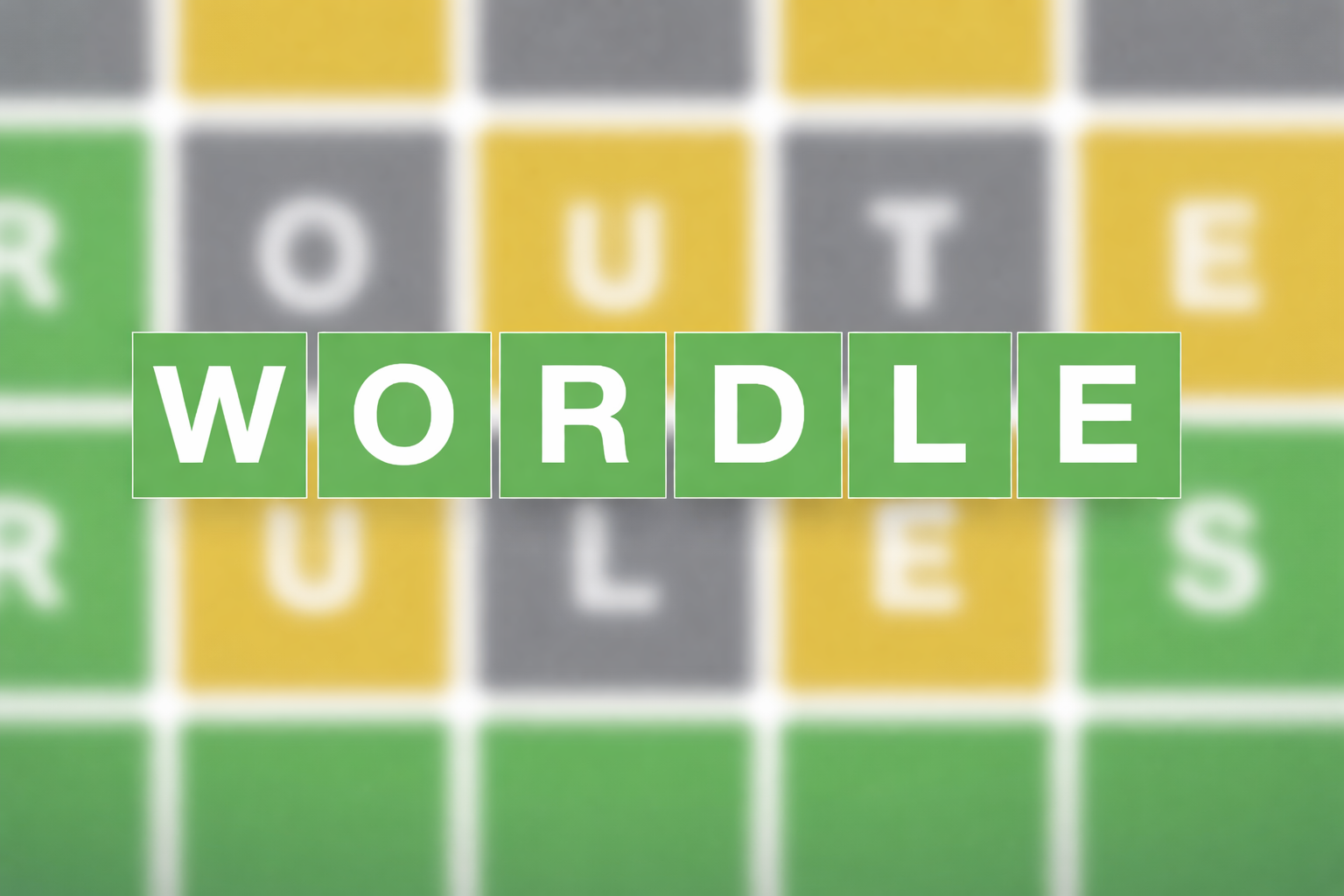
Starting Wordle is simple. You begin by entering a five-letter word as your first guess. The game then uses colors to give clues about your guess:
- A letter highlighted in green means it is correct and in the right position.
- A letter highlighted in yellow means it is in the word but in a different position.
- A letter not highlighted means it is not in the word at all.
Your task is to use these hints to guess the hidden word within six attempts. Each guess should be a valid five-letter word. Keep trying by adjusting your guesses based on the feedback until you solve the puzzle or run out of attempts.
Enjoying Quick and Casual Word Challenges
One of Wordle’s biggest appeals is how easy it is to pick up and play in short bursts. You don’t need to commit hours to enjoy this game—each round lasts only a few minutes, making it perfect for quick breaks. It encourages players to think carefully and quickly, improving vocabulary and problem-solving skills in a fun, low-pressure way. The casual design means players of all ages can enjoy the game without complicated rules or setups.
Wordle Controls
Wordle’s controls are straightforward and user-friendly, making it accessible for players on different devices. You can use your keyboard, mouse, or touchscreen to interact with the game, depending on what device you’re playing on.
- Use the keyboard to type your word guesses.
- Click or tap letters on an on-screen keyboard if available.
- Press Enter to submit your guess.
- Use Backspace or delete to correct your input before submitting.
Tips and Tricks for Wordle
- Start with common vowels and consonants to quickly find which letters are in the word.
- Pay close attention to the color clues after each guess to refine your next attempt.
- Try to avoid repeating letters in your early guesses to discover more possible letters.
- Think about common word patterns and endings to help narrow down your options.
- Use process of elimination based on incorrect letters to improve your guesses.
- Stay patient and have fun—sometimes the solution takes a little creative thinking!
Why Play Wordle on FreeGeometryDash.com?
Playing Wordle on FreeGeometryDash.com offers a hassle-free experience where you can enjoy the game instantly in your browser. There’s no need to download anything, so you can start playing right away on any device. The website also makes it easy to discover other casual and puzzle games if you want to try something new after Wordle. It’s a great place for kids and casual players to find quick, entertaining games without any complicated setup.
Similar Games You May Like
If you enjoy Wordle, you might also like these other fun and casual browser games that test your thinking and problem-solving skills:
Frequently Asked Questions About Wordle
Is Wordle free to play?
Yes, Wordle is free to play online, so you can enjoy it anytime without any cost.
Can I play Wordle online?
Absolutely! Wordle is designed to be played online in your web browser with no need for extra software.
Do I need to download Wordle?
No download is required. You can start playing Wordle directly in your browser, making it quick and easy to access.
What are the controls for Wordle?
You mainly use your keyboard to type word guesses, but you may also use your mouse or touchscreen to interact with on-screen elements.
How many guesses do I get to find the word?
You have six attempts to guess the correct five-letter word in each round of Wordle.
Comments
No comments yet. Be the first to comment.