















Play Minecraft Online
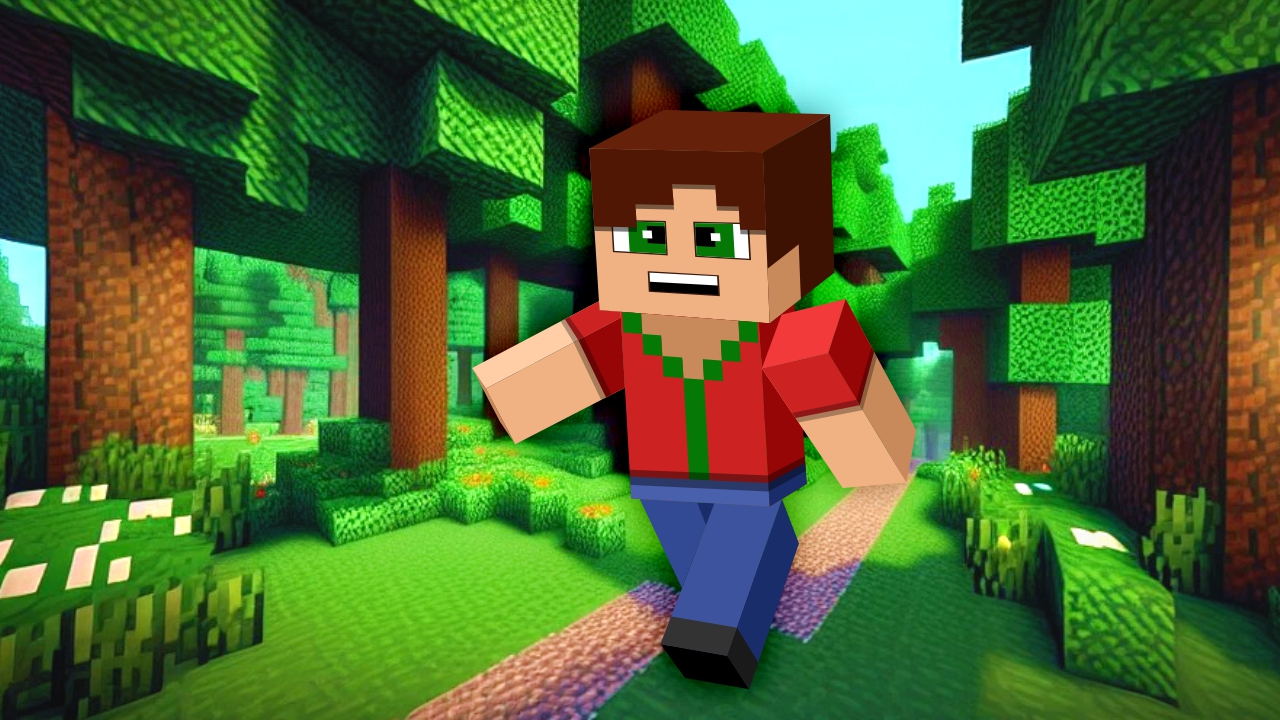
Minecraft is a fun and creative casual game where players can explore, build, and craft in a blocky world full of possibilities. If you love games that let you use your imagination and create your own adventures, then you’ll enjoy playing Minecraft online. The best part? You can jump into the game directly from your web browser with no download required, making it easy and quick to start playing anytime you want.
About Minecraft
In Minecraft, players enter a virtual world made up of cubes where they can gather resources, build structures, and explore different landscapes. The game focuses on creativity and exploration, allowing players to design everything from simple houses to elaborate castles and even entire cities. Since it’s a casual game, Minecraft offers a relaxed and enjoyable experience suitable for kids and casual players who want to have fun without complicated rules.
How to Play Minecraft
Getting started in Minecraft is simple. Once you open the game in your browser, you’ll find yourself in a blocky environment where you can move around, collect blocks, and start building. The basic goal is to use the blocks you collect to create structures or explore different areas. You can try building different shapes, crafting tools, or just wander around and see what you can discover. It’s all about creativity and playing at your own pace.
Building Your Own Blocky World
One of the coolest parts of Minecraft is the ability to shape the world around you. By stacking blocks and arranging them, you can create anything from a cozy home to a towering fortress. This game encourages imagination and design skills, making it great for players who like to build and experiment. Whether you want to make a small shelter or a huge maze, Minecraft lets you bring your ideas to life in a fun and interactive way.
Minecraft Controls
The controls for Minecraft may vary slightly depending on your device, but generally, you will use your keyboard and mouse or touch screen to navigate and interact with the game.
- Use arrow keys or WASD to move your character
- Mouse or touch to look around and interact with blocks
- Left-click or tap to break blocks
- Right-click or tap to place blocks
- Spacebar to jump
Tips and Tricks for Minecraft
- Start by collecting basic blocks like wood and stone to build a shelter
- Experiment with different block combinations to create unique designs
- Explore your surroundings to find useful resources and interesting places
- Take your time and enjoy creating without rushing
- Use the jump and move controls smoothly to navigate your builds easily
Why Play Minecraft on FreeGeometryDash.com?
Playing Minecraft on FreeGeometryDash.com means you can enjoy this classic casual game quickly and easily without any downloads or installations. The browser-based play lets you access the game instantly from any device with internet access. Plus, FreeGeometryDash.com offers a variety of other fun and similar games to explore, making it a great place to find new favorites after your Minecraft session.
Similar Games You May Like
If you enjoy Minecraft, you might also like these engaging casual and creative games available on FreeGeometryDash.com:
Frequently Asked Questions About Minecraft
Is Minecraft free to play?
Yes, you can play Minecraft online for free in your browser without any cost.
Can I play Minecraft online?
Absolutely! Minecraft is available to play online directly in your browser, making it easy to access anytime.
Do I need to download Minecraft?
No download is needed to play Minecraft online here. You can start the game instantly in your browser.
What are the controls for Minecraft?
You generally use the keyboard and mouse or touch screen to move, look around, break, and place blocks.
Can kids play Minecraft easily?
Yes, Minecraft is designed to be simple and fun, making it suitable for kids and casual players alike.
Comments
No comments yet. Be the first to comment.