




















































Play Bad Ice Cream Online
If you’re looking for a fun and casual game to enjoy during a quick break or just for some lighthearted entertainment, Bad Ice Cream is a great choice. This colorful and engaging browser game lets you control a quirky ice cream character as you navigate through challenging levels. The best part? You can play Bad Ice Cream online directly in your browser with no download required, making it easy and accessible for players of all ages.
About Bad Ice Cream
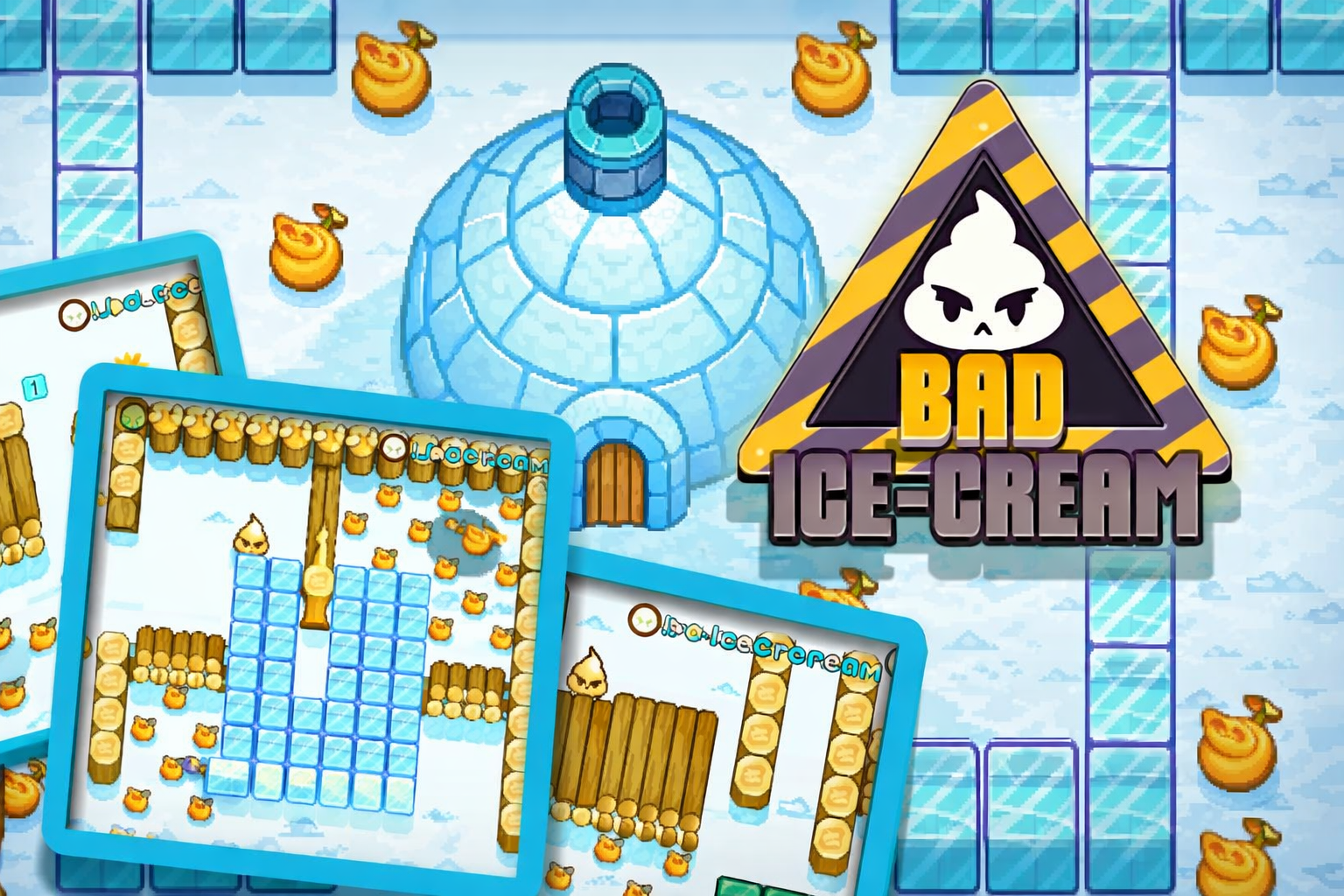
Bad Ice Cream is a casual game that combines simple controls with fun puzzles and maze-like challenges. Players take on the role of an ice cream character who must collect all the fruits in each level while avoiding obstacles and enemies. The game’s charm comes from its colorful graphics, straightforward gameplay, and the entertaining challenge of outsmarting opponents as you move through different maps. It’s a delightful game that’s easy to pick up but offers plenty of moments to test your timing and strategy.
How to Play Bad Ice Cream
The main goal in Bad Ice Cream is to collect all the fruits scattered around the level while staying safe from enemies that try to catch you. You start by choosing your character and level, then use simple controls to move around the maze-like environment. Each level requires you to find the best path to gather all fruits and avoid getting trapped or caught. As you progress, levels get more challenging, requiring quick thinking and clever moves to succeed.
Enjoy Quick and Simple Fun with Bad Ice Cream
Bad Ice Cream offers quick gameplay sessions that are perfect for casual players and kids. Its easy-to-understand mechanics make it a great choice for those who want to jump into a game without complicated rules or long tutorials. Each round is short but engaging, so you can enjoy the game whenever you have a few minutes to spare. The colorful art style and friendly characters add to the enjoyable experience, making it a light and cheerful way to relax and have fun.
Bad Ice Cream Controls
The game controls are designed to be simple and intuitive, suitable for keyboard, mouse, or touch devices depending on where you play.
- Use arrow keys or WASD on the keyboard to move your ice cream character around.
- Touch controls may be available for mobile or tablet play, allowing swipe movements.
- Mouse clicks might be used for menu navigation and level selection.
Tips and Tricks for Bad Ice Cream
- Plan your route ahead to collect fruits efficiently without backtracking too much.
- Watch enemy patterns carefully to avoid getting trapped or caught.
- Use obstacles and walls to block enemies and create safe paths.
- Stay patient and practice timing your moves for tricky sections.
- Try different characters if available, as some might have unique advantages.
- Replay levels to improve your strategy and complete them faster.
Why Play Bad Ice Cream on FreeGeometryDash.com?
Playing Bad Ice Cream on FreeGeometryDash.com means you can enjoy this entertaining game quickly and easily without the hassle of downloads or installations. The site provides a smooth online gaming experience accessible from most devices with a browser. Plus, FreeGeometryDash.com offers a large collection of similar casual games, so you can discover new favorites right after finishing a session of Bad Ice Cream. It’s a convenient spot for fun, no download gaming whenever you want.
Similar Games You May Like
If you enjoy the casual and fun style of Bad Ice Cream, you might also like these other engaging browser games that offer quick gameplay and friendly challenges:
Frequently Asked Questions About Bad Ice Cream
Is Bad Ice Cream free to play?
Yes, Bad Ice Cream is free to play and can be enjoyed online without any cost.
Can I play Bad Ice Cream online?
Absolutely! Bad Ice Cream is designed to be played online directly in your web browser.
Do I need to download Bad Ice Cream?
No, there is no need to download the game. You can play Bad Ice Cream online with no download required.
What are the controls for Bad Ice Cream?
The game typically uses keyboard controls such as arrow keys or WASD for movement. Depending on your device, touch or mouse controls might also be supported.
Can I play Bad Ice Cream on different devices?
Yes, since Bad Ice Cream is a browser game, it can be played on various devices including desktops, laptops, tablets, and smartphones, as long as you have internet access and a compatible browser.
Comments
No comments yet. Be the first to comment.