































Play Neon Leap Online
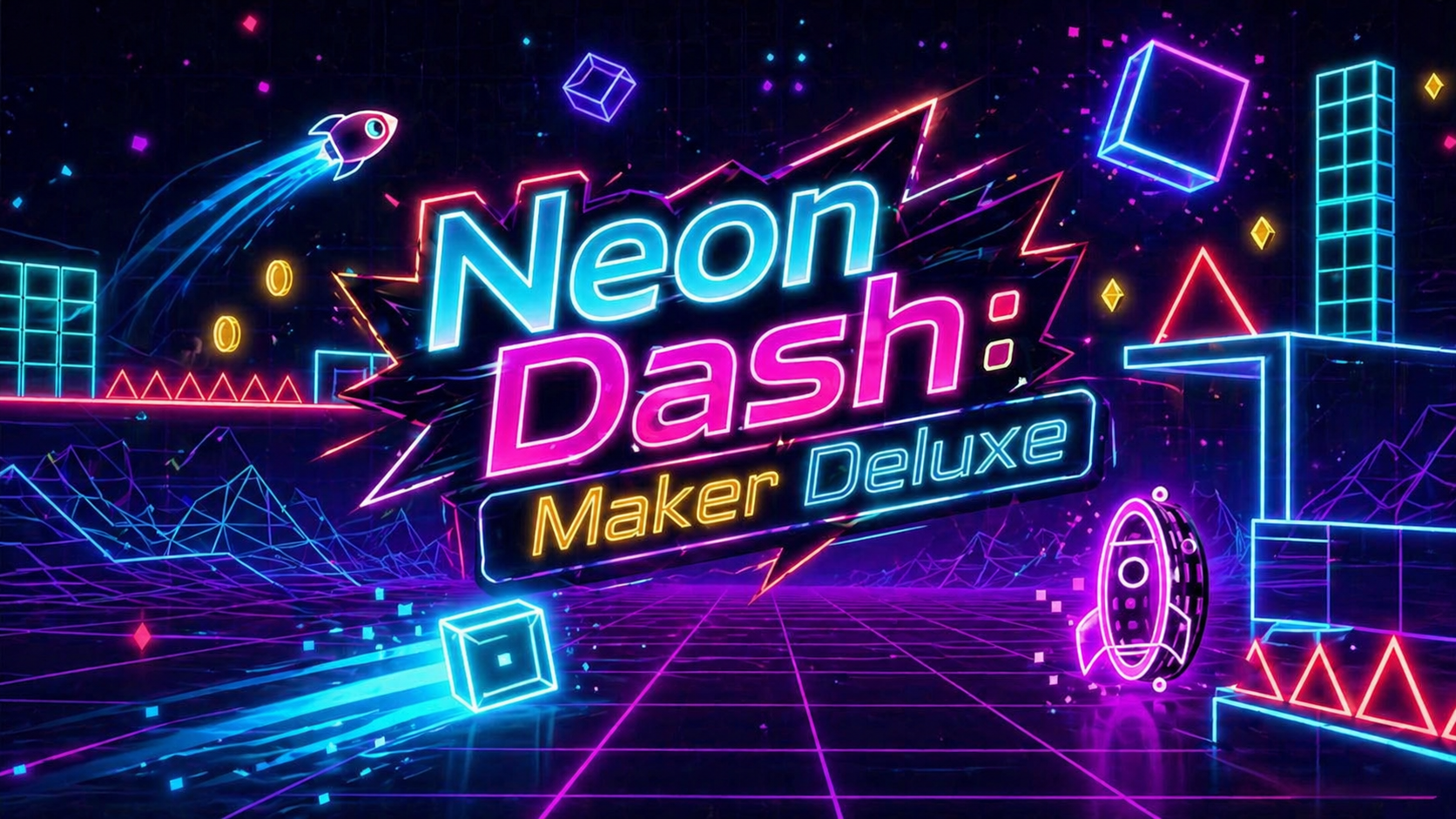
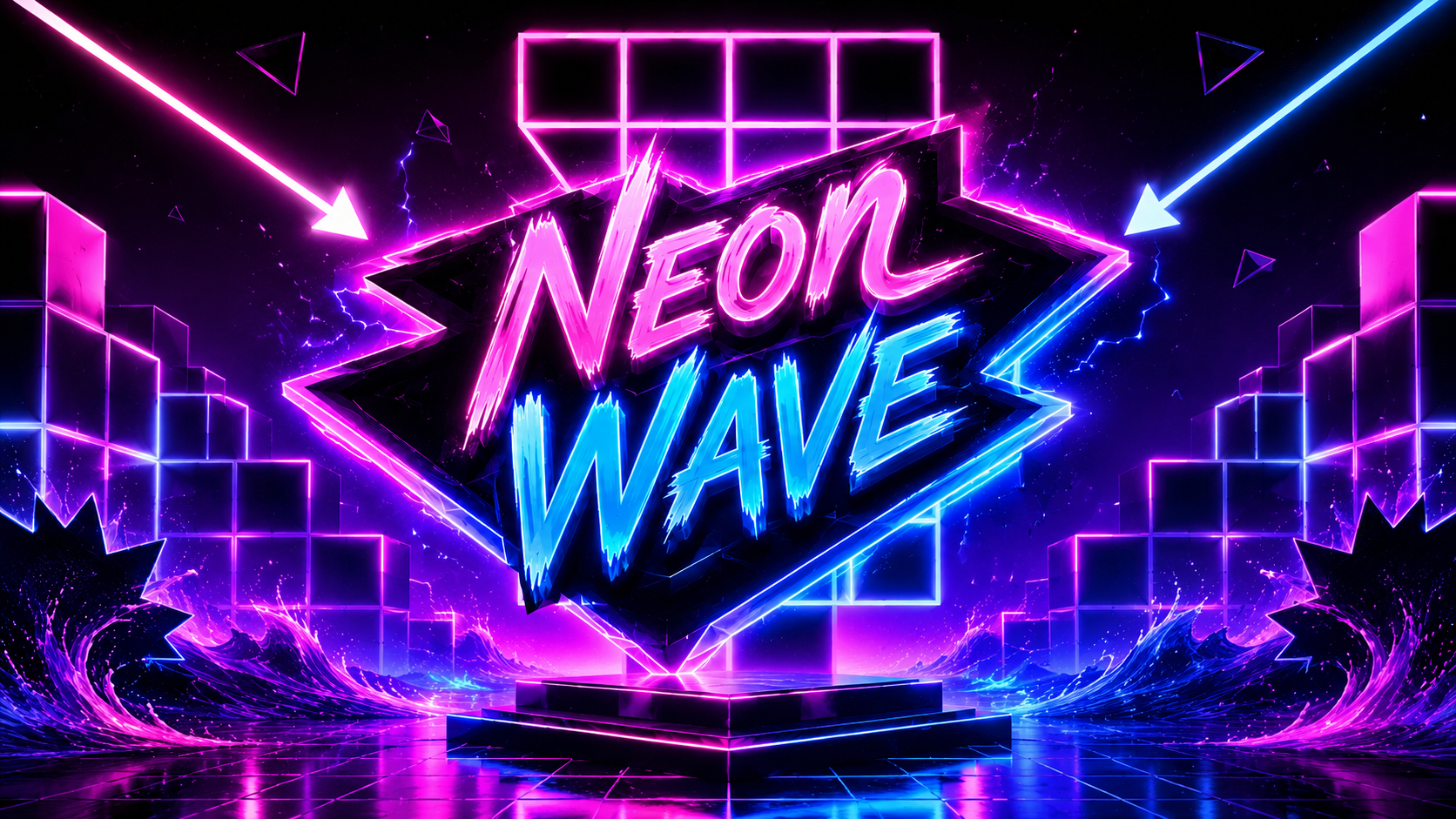
Neon Leap is an exciting casual browser game that invites players to enjoy fast-paced jumping and leaping challenges set in a vibrant neon world. With its glowing graphics and smooth gameplay, Neon Leap offers a fun and engaging experience perfect for kids and casual gamers alike. You can play Neon Leap online directly in your web browser with no download required, making it easy to jump right into the action whenever you want.
About Neon Leap
Neon Leap is a casual game centered around timing your jumps and leaps across platforms filled with bright neon colors and dynamic obstacles. The goal is to navigate your character through increasingly tricky levels by making precise leaps without falling or hitting obstacles. The game's simple yet captivating design makes it accessible to players of all ages, offering quick fun moments that are easy to pick up and play.
How to Play Neon Leap
Playing Neon Leap is straightforward and enjoyable. Your main objective is to guide your character to jump from platform to platform, avoiding any gaps or hazards along the way. As you progress, the challenges become more intense, requiring sharper reflexes and better timing. To start playing, simply launch the game in your browser, and get ready to leap your way through the neon-lit stages.
Enjoy Quick and Colorful Casual Fun
Neon Leap stands out with its bright neon aesthetic and simple gameplay that’s perfect for short gaming sessions. The game is designed to be easy to learn but challenging to master, making each leap a satisfying test of timing and skill. Its casual nature means you can enjoy it anytime, whether you have just a few minutes or want to spend a bit longer improving your jumping accuracy. The glowing neon visuals add a cool, futuristic vibe that keeps the experience fresh and exciting.
Neon Leap Controls
The controls in Neon Leap are user-friendly and depend on the device you are playing on. Whether you use a keyboard, mouse, or touch screen, the game keeps controls simple to ensure smooth gameplay.
- Keyboard: Use the spacebar or arrow keys to jump.
- Mouse: Click or tap the screen to make your character leap.
- Touch: Tap the screen to control jumps on mobile or tablet devices.
Tips and Tricks for Neon Leap
- Time your jumps carefully—rushing can cause you to miss platforms.
- Practice makes perfect; each level helps improve your reaction speed.
- Stay calm and focused to avoid mistakes, especially on tricky sequences.
- Watch the neon lights as they often highlight the safest path to jump.
- Use short taps for small jumps and longer presses for bigger leaps.
Why Play Neon Leap on FreeGeometryDash.com?
FreeGeometryDash.com offers an easy and convenient way to play Neon Leap online with no download needed, so you can get started instantly without waiting. The site provides a smooth browser experience with quick access to many other fun and casual games. It’s a great place to discover similar games and enjoy endless entertainment from your favorite categories, all in one spot.
Similar Games You May Like
If you enjoy Neon Leap, you might also like these other casual and exciting games available on FreeGeometryDash.com:
Frequently Asked Questions About Neon Leap
Is Neon Leap free to play?
Yes, Neon Leap is completely free to play online. You can enjoy the game in your browser without any cost.
Can I play Neon Leap online?
Absolutely! Neon Leap is designed for online play, allowing you to jump into the game directly from your browser.
Do I need to download Neon Leap?
No download is necessary. Neon Leap runs smoothly in your web browser, so you can start playing instantly without installing anything.
What are the controls for Neon Leap?
Controls may vary depending on your device. Typically, you use the keyboard (like the spacebar), mouse clicks, or touch taps to make your character leap through the levels.
Is Neon Leap suitable for kids and casual players?
Yes, Neon Leap’s simple controls and colorful design make it a great choice for kids and anyone looking for casual, easy-to-learn gameplay.
Comments
No comments yet. Be the first to comment.